
Your First Steps After Making Aliyah
So you’ve just made Aliyah
Here are your next steps
Your Aliyah doesn’t stop after you step off the plane – your first weeks of being an Israeli citizen are critical to finalizing your Aliyah process. On this page, we will walk you through everything you need to know to make sure you have as smooth a landing as possible.
Oleh Glossary
As an Oleh Chadash (new immigrant), there are a few key terms that will help you communicate and establish yourself during your first days in Israel.
Upon arriving in Israel
You will receive
- Teudat Oleh (Oleh booklet) from Misrad Haklita (Ministry of Aliyah and Integration). A Teudat Zakaut (Benefits Booklet) will be issued to someone with an Ezrach Oleh or Katin Chozer status.
Temporary Teudat Zehut (Israeli ID Card) – this will contain a Sefach (addendum) listing your address in Israel and the ID numbers of your immediate family. This TZ is valid for three months and needs to be replaced, for free, with a biometric TZ which can be obtained by appointment at any Misrad Hapnim. If you are an Ezrach Oleh, Katin Chozer, or previous A-1 visa holder, you will not receive a temporary Teudat Zehut upon arrival. See step 1 below.
Health care registration form: New Olim are signed up and registered for Kupat Cholim at the airport. If you are a previous A-1 Temporary Resident, see Step 4 below.
If you are an Ezrach Oleh or a Katin Chozer, you may be eligible for healthcare registration into the computer system. Where eligible you will receive a healthcare registration form.
First payment of Sal Klita (Absorption Basket) to those who are eligible.
“Note of Future Bank Account” to be stamped by your Israeli bank when you open an account to then be shown to your local Misrad Haklita. See Step 2, Bank Account.
For more information, click here.
For our webinar on Banking in Israel, click here.
Important Notes
- If you are a previous A-1 Temporary Resident or an Oleh B’Sheinit – please note that your Teudat Oleh/Zakaut will not be issued at the airport, and you will not receive your first Sal Klita payment, bank form, or healthcare registration, upon arrival. Please make sure to set up an appointment with your local branch of Israel’s Population and Immigration Authority to receive the Teudat Oleh / Zakaut and healthcare registration.
- If you are a Mishpachat Olim, the spouse who is not a Returning Resident may be eligible to receive a Teudat Oleh/Zakaut upon arrival, along with the first installment of Sal Klita for themselves and the children. Eligibility is based on the criteria mentioned above.
- If you are making Aliyah after your spouse (split-Aliyah), you will not receive a Teudat Oleh upon arrival at the airport. For more information, click here.
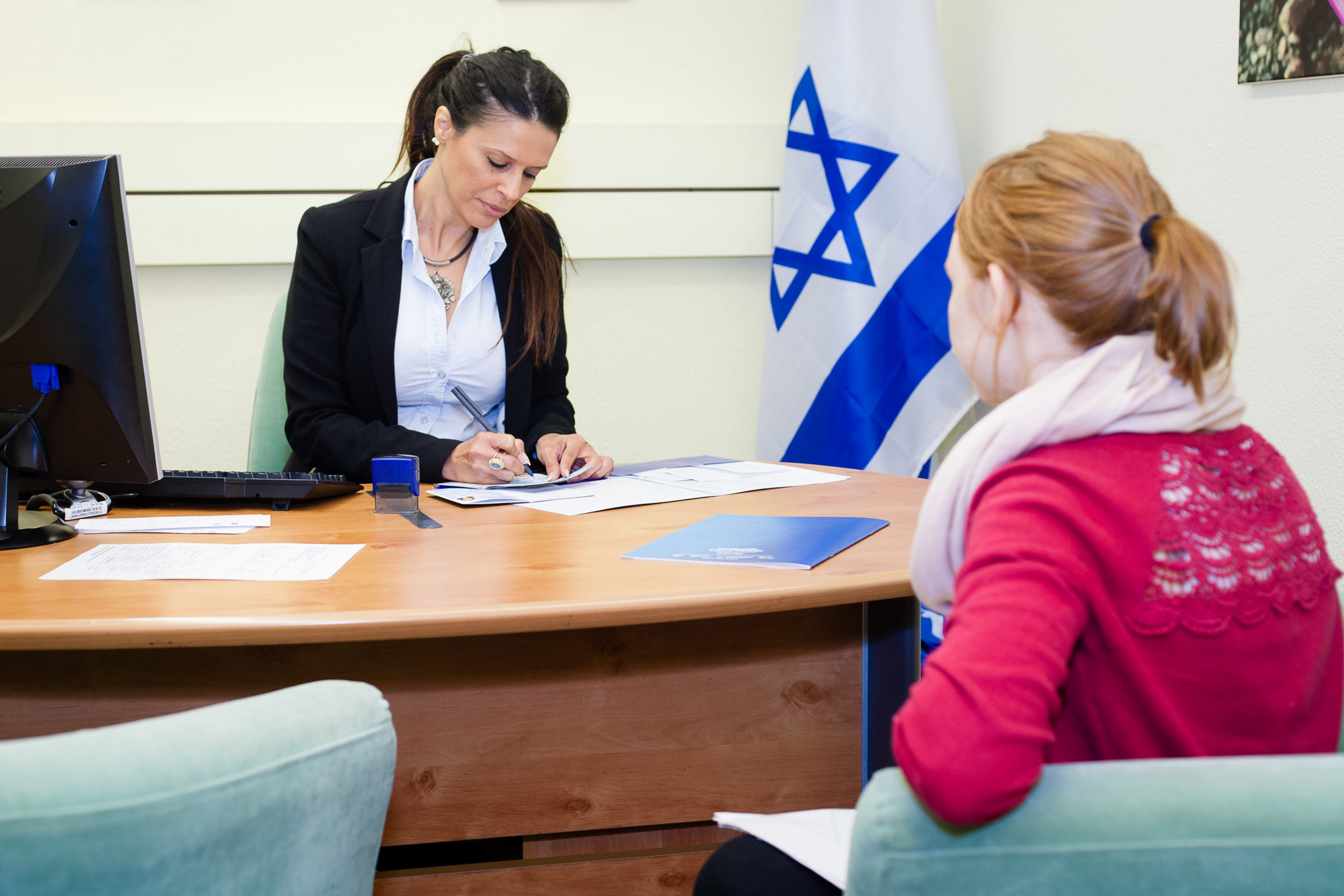
Your first 6 steps after making Aliyah
As an Oleh Chadash (new immigrant), there are a few key terms that will help you communicate and establish yourself during your first days in Israel.
Step 1
Biometric Teudat Zehut
Step 2
Bank Account
Step 3
Misrad Ha’Aliyah V’HaKlita
Step 4
Kupot Cholim
Step 5
Monthly Child Benefits
Step 6
School Registration
The following three steps are time sensitive. See below for detailed explanation.
Step 7
Arnona (Muni. Tax) Benefit
Step 8
Drivers License Conversion
Step 9
Israeli Passport
Biometric Teudat Zehut
Obtaining your Teudat Zehut, Israeli ID card is one of your most important steps to complete upon your arrival. If you received your temporary Teudat Zehut at the airport, this appointment will be for your permanent biometric Teudat Zehut. If you did not receive this document at the airport then you will apply for both your temporary and biometric Teudat Zehut at the same time. Appointments can be made with the Population and Immigration Authority division of the Misrad Hapnim at govisit.gov.il. This site has an English option. A separate appointment must be made for each individual over the age of 16 applying for a Teudat Zehut. We encourage everyone, even those who received a temporary Teudat Zehut at the airport to book an appointment soon after your arrival as appointments are not always easily available. An appointment can be made in a different city from where you reside. You will need your Mispar Zehut (found in your Teudat Oleh, Israeli passport, or Teudat Zakaut) Teudat Zehut, and Israeli cellphone number (preferably one that receives texts) to make an appointment.
Considering a name change? This will now require you to change your name on your US documentation! Please see here.
If you are a previous A-1 your appointment should be made at www.nbn.org.il/govt-appointment and not through the govisit.gov.il site. A list of branches with a Visa department (ashrot) can be seen here .
If a temporary Teudat Zehut was not issued upon arrival you will need:
Original birth certificate with Apostille Original marital status certificate(s) if relevant with Apostille Original Proof of Judaism (the same document brought to your Jewish Agency interview) Any other documentation presented to the Jewish Agency abroad. Valid foreign passport 2 passport pictures for each family member receiving a Teudat Zehut All paperwork received at Ben Gurion Airport There is NO FEE for your FIRST biometric Teudat Zehut* Copies of all documents are needed in addition to originals for for this appointment regardless if you received your temporary Teudat Zehut at the airport.
* If you received your temporary Teudat Zehut at the airport, we encourage you to present your original documentation when applying for your biometric Teudat Zehut. You will need to present your temporary Teudat Zehut.
WHAT YOU GET:
Temporary Teudat Zehut Application confirmation with instructions for tracking and delivery of your biometric Teudat Zehut see www.israelpost.co.il/en/itemtrace/For information on how to set an appointment on govisit.gov.il, see: https://www.nbn.org.il/life-in-israel/government-services/step-by-step-guides/scheduling-appointments-for-government-offices/
Bank Account
In order to open a bank account, both spouses (if applicable) must be present. If you are married, you must open a joint account in order to receive Sal Klita
payments as a family; both spouses must be present to open the joint account.
If you have an Israeli bank account, it must be updated with a Mispar Zehut and Teudat Oleh / Teudat Zakaut.
Many banks require you to make an appointment to open a new account
IMPORTANT NOTE FOR JOINT BANK ACCOUNT HOLDERS
Holders of a joint bank account can sign a form at the bank entitled Tofes Arichut Yamim. This form will enable each spouse to have continued access to the bank account in the event that the other passes away. If this form has not been signed prior to the death of the other, the account will remain frozen until a will of inheritance has been settled or probated. We encourage everyone to ensure that this form has been signed
A NOTE ABOUT BANKING IN ISRAEL:
- Your bank of choice may insist on opening an Oleh account at a specific branch.
- More and more banks are becoming cashless.
- A transaction fee is charged for every action taken in the bank or Kaspomat machine (ATM).
- There are three ways to transfer foreign funds: bank, money changer, transaction company. Research the best and safest way to transfer foreign funds.
- All banks offer online banking and services.
- Always inquire if there are discounts available for new Olim.
WHAT YOU NEED:
Teudat Oleh / Teudat Zakaut (Teudat Oleh holders are often able to open an account without a Teudat Zehut within 30 days of arrival. A Teudat Zakaut holder must have a Teudat Zehut to open an account) Teudat Zehut Passport (from country of origin) NIS cash or check to make a deposit into your new account Note of Future Bank Account which was received at the airport US citizens will be requested to provide their Social Security number* and complete a W-9 form (*Some banks may request to see the physical card)WHAT YOU GET:
Bank account information Instructions for online banking Note of Future Bank Account gets stamped; retain this paperwork for Misrad Haklita Deposit receipt proving you have activated the account for Misrad HaklitaHELPFUL HINT:
Living Financially Smarter in Israel is an excellent website and FB group for guidance and information on banking in Israel.
For more information, visit www.rifkalebowitz.com
Misrad Ha'Aliyah V'Haklitah
Call your local branch of Misrad Haklita at (*2994) to schedule an appointment with a personal Klita counselor. See page 11. Only one appointment per family is necessary. Where relevant, both spouses must be present for this meeting.
If you are a Previous A-1, and in certain cases an Ezrach Oleh or Katin Chozer, you will register for health insurance at this meeting.
WHAT YOU NEED:
Teudat Oleh/Teudat Zakaut Teudat Zehut Form stamped by your bank upon opening your bank account If you are a Katin Chozer or Ezrach Oleh you must bring your Israeli passport. An appointment should be made even if you have not yet received your Teudat Zehut.WHAT YOU GET:
Sal Klita: Confirmation of the dates the payments will be deposited into your bank account Information regarding local Ulpan programs and registration vouchers for Ulpan Advice on Oleh resources in your neighborhood Information regarding tuition assistance, if applicable – contact the Minhal Hastudentim (Student Authority) at Misrad Haklita for more information In the case of Mishpachot Olim, someone married to a veteran Oleh, or an Israeli, spouses will be added to a joint Teudat Oleh.IF YOU ARE A KATIN CHOZER YOU WILL ALSO NEED:
Transcript of entries and exits from Misrad Hapnim if you are making Aliyah from within Israel or your status was not approved from abroad by the Aliyah center of the Jewish Agency Passport pictures You will then receive your Teudat Zakaut and review of your rights and benefitsIF YOU ARE A PREVIOUS A-1 TEMPORARY RESIDENT YOU WILL ALSO NEED:
Transcript of entries and exits from Misrad Hapnim if your status was not approved from abroad by the Aliyah center of the Jewish Agency Passport picturesYou will then receive your Teudat Oleh and review of your rights and benefits.
If you are an Oleh B’Sheinit, you will receive an updated Teudat Oleh or Zakaut.
SETTING UP A GOV.IL ACCOUNT
Setting up a gov.il account will give you access to an array of online government services.
See www.nbn.org.il/life-in-israel/government-services/step-by-step-guides/scheduling-appointments-for-government-offices/
Kupat Cholim
FINALIZE YOUR HEALTHCARE REGISTRATION
To finalize your healthcare registration, bring your registration form which you received either at the airport or Misrad Haklita together with your Teudat Oleh/Teudat Zakaut to the local branch of your chosen Kupat Cholim 7-10 days after registering for healthcare (either at the airport or Misrad Haklita).
No appointment is necessary. You will receive a magnetic membership card for each family member.
It is recommended that Olim of all ages register
for supplemental health insurance through their Kupat Cholim. In addition, registration within the first 90 days of Aliyah exempts Olim from any waiting periods otherwise required before receiving supplemental service benefits. Please note that supplemental health care is not free or covered by Oleh benefits.
IMPORTANT NOTES:
Children are registered for free. Children born to an Israeli parent will not be recognized in the healthcare system until the Israeli parent is recognized as establishing residency with Bituach Leumi. If you are a previous A-1 Temporary Resident you have the option of completing Bituach Leumi forms 625 and 628 prior to your meeting at Misrad Hapnim and Misrad Haklita. For more information see www.nbn.org.il/making-aliyah/the-aliyah-process/making-aliyah-as-a-former-a-1-visaholder/ If you are an a returning resident, you need to register with Bituach Leumi either in person or by filling out form 628 from the Bituach Leumi website btl.gov.il For information on switching your Kupat Cholim see www.nbn.org.il/life-in-israel/healthcare-in-israel/kupot-cholim/switching-kupot-cholim/Monthly Child Benefits
Bituach Leumi (National Insurance Institute) offers a monthly stipend to all Israeli citizens based on the number of children under the age of 18 in their family. You are eligible for this benefit immediately following your Aliyah and your meeting at the Misrad Haklita. However, if there is no deposit made within 60 days of Aliyah please call NBN Answers at *3680 or email [email protected]. Retroactive payment will be available but not for more than 12 months from the date of application.
To complete many important Bituach Leumi actions, see www.nbn.org.il/online-government-accounts/
Each child who is eligible for the monthly child benefit will have a savings account* opened in his or her name. Bituach Leumi will deposit money into the account per month, and parents have the option of matching that amount, which will be taken from their monthly child allowance. Parents have six months to select a savings plan, which can be done online or in person at your local Bituach Leumi branch. Otherwise the savings plan will be opened automatically and cannot be changed. For more information: www.nbn.org.il/life-in-israel/government-services/rights-and-benefits/monthlychild-benefits-from-bituach-leumi/
* Please consult with an accountant if you have any questions about possible foreign tax implications of this savings account.
School Registration
Upon arrival, contact your local Department of Education (Agaf Hachinuch) or Municipal Oleh Coordinator (where applicable) to assist with registration into the school system.
All children in grades 1-12 are entitled to Ulpan hours at their school. Contact your child’s school directly for more information.
We are here to help: [email protected]
WHAT YOU NEED:
Teudat Zehut of both parents (except in cases of split Aliyah) Your child’s Israeli ID number (Mispar Zehut) found in the Sefach in your Teudat Zehut Documentation showing your place of residence (such as a rental agreement or bill) Evaluations for a Va’adat Hasama (placement committee for children with learning differences) For more information on navigating the Israeli school system, see www.nbn.org.il/educationArnona (Municipal Tax)
All cities and towns in Israel charge Arnona (municipal tax). Tenants are obligated to make these payments which are calculated based on the size of your residence. Olim and Ezrachim Olim are granted a discount on Arnona (for up to 100m2) during one of their first two years in Israel. The rate of the discount is determined by the local municipality.
Further discounts based on age and income may be available through your municipality but not while receiving the Oleh discount.
See: www.nbn.org.il/arnona
WHAT YOU NEED:
At the municipality, present your Teudat Oleh/Teudat Zakaut and Arnona bill if you have one A 12-month apartment rental contract or proof of ownershipIMPORTANT NOTES:
Activating your Oleh discount can be completed online in many Municipalities. See the Municipality website for more information. The request for an Oleh discount may have to be repeated after January 1st. The Arnona reduction is not granted to Ktinim Chozrim, or to those who spent a significant amount of time as previous A-1 Temporary Residents and do not have a new Teudat Oleh. This benefit can be used in any 12 mo period out of your first 24 months from your date of Aliyah. It is not retroactive.Driver's License Conversion
As an Oleh, you have five years from your Aliyah date written on your Teudat Oleh or Teudat Zakaut to complete the conversion process from a foreign to an Israeli driver’s license.
For detailed steps and criteria for converting your license, see www.nbn.org.il/driving
An Oleh is entitled to drive on a foreign driver’s license up to one year from the last entry date, following three full consecutive months abroad.
INTERNATIONAL DRIVER’S LICENSE
If you do not have a valid foreign license, when traveling outside of Israel you must have an international driver’s license. For more information see www.nbn.org.il/driving
WHAT YOU NEED:
Online Tofes Yarok Form at www.nbn.org.il/driving Vision test and photo at designated optical store Teudat Zehut Teudat Oleh / Teudat Zakaut Valid foreign driver’s license and a copy (front and back) of your license Proof of having a foreign license for 5 full years immediately preceding the date of your Aliyah. Schedule an appointment with the Misrad HaTachbura at www.govisit.gov.il/enIsraeli Passport
TRAVELING ABROAD AS A NEW OLEH
One is no longer able to obtain an Israeli passport within the first year of Aliyah.
For the first 120 days from your Aliyah date you can enter and exit Israel with your foreign passport together with an exit letter called an ishur yetzia received from the Population & Immigration Authority (no appointment is necessary). An ishur yetzia is necessary for each family member traveling.
After this time you will be required to travel abroad with an Israeli travel document called a Teudat Maavar which can be applied for 90 days or three full months (whichever is longer) after your Aliyah date. We encourage you to make an appointment soon after arrival to coincide with the appropriate time frame.
The Teudat Ma’avar functions similarly to an Israeli passport and is a biomteric document valid for 5 years. For more information see www.nbn.org.il/darkon.
Appointments for all travel documents can be made on the govisit.gov.il site. If entering on a foreign passport we recommend saving your entry ticket received at passport control, should you need proof of your return.
As a rule, any visit outside of Israel may stop your Sal Klita payments. Upon returning to Israel, your payments will be automatically reinstated 14 days after your arrival.
Payments will not be retroactive, but will be paid going forward until the full amount of Sal Klita has been received.
We suggest that you check your bank statement to ensure that all Sal Klita payments are received as scheduled. Commuters and other people who need to travel outside of Israel for work purposes should contact Misrad Haklita to discuss their specific situation. A personal portal with a gov.il account is a great resource to confirm payments and communicate with Misrad Haklita. See https://www.nbn.org.il/life-in-israel/government-services/step-by-step-guides/making-a-government-account/
It is important to inform Bituach Leumi of your departure from Israel when leaving the country, for any reason, for more than one month. Failure to do so will result in a cancellation of your residency which directly affects your healthcare availability and other benefits received through Bituach Leumi. See www.nbn.org.il/life-in-israel/government-services/
Olim Chadashim are NOT required to present an exit permit from the IDF before leaving Israel. Olim who have an official army draft date must return to Israel no less than three days prior to that date.
WHAT TO BRING
Teudat Zehut Foreign passport Processing fee – paid with an Israeli credit card,ApplePay, GPay, or Max (not debit card) All family members requesting travel documents (including children) must be physically present at Misrad Hapnim. For a full list of Israel’s Population and Immigration Authority branches and operating hours, see www.nbn.org.il/misrad-hapnim
IMPORTANT NOTE:
All travel documents are payable online with an Israeli credit card at https://govforms.gov.il/mw/forms/[email protected] Discounted fees available with online payment only from November 1st – February 28th and honored until April 30th.WHAT YOU WILL GET
An SMS will be sent to your phone with a tracking number to enter here www.israelpost.co.il/en/itemtrace/ to verify the status of your passport arrival. We encourage you to ask the clerk for a tracking number.Where to turn in
Knowing where to turn in the case of any emergency can be overwhelming. Read more here about who and how you can get help.
Contact your
information on local resources and guidance through the local municipality.
Looking for the right office?
Understanding your
Aliyah Rights and Benefits
Every Oleh is entitled to receive certain benefit packages from the Israeli Government. These benefits depend on your Aliyah status. If you are unsure about your Aliyah status, please be in touch with your Aliyah Advisor
Please note that each of these benefits is valid for a limited time period.
We are here for you!
Nefesh B’Nefesh is here to offer you guidance and resources as you integrate into your life in Israel.
Contact NBN Answers at [email protected] or *3680
Sunday-Thursday 9am-5pm with any questions.
* Last updated on January 4, 2026